
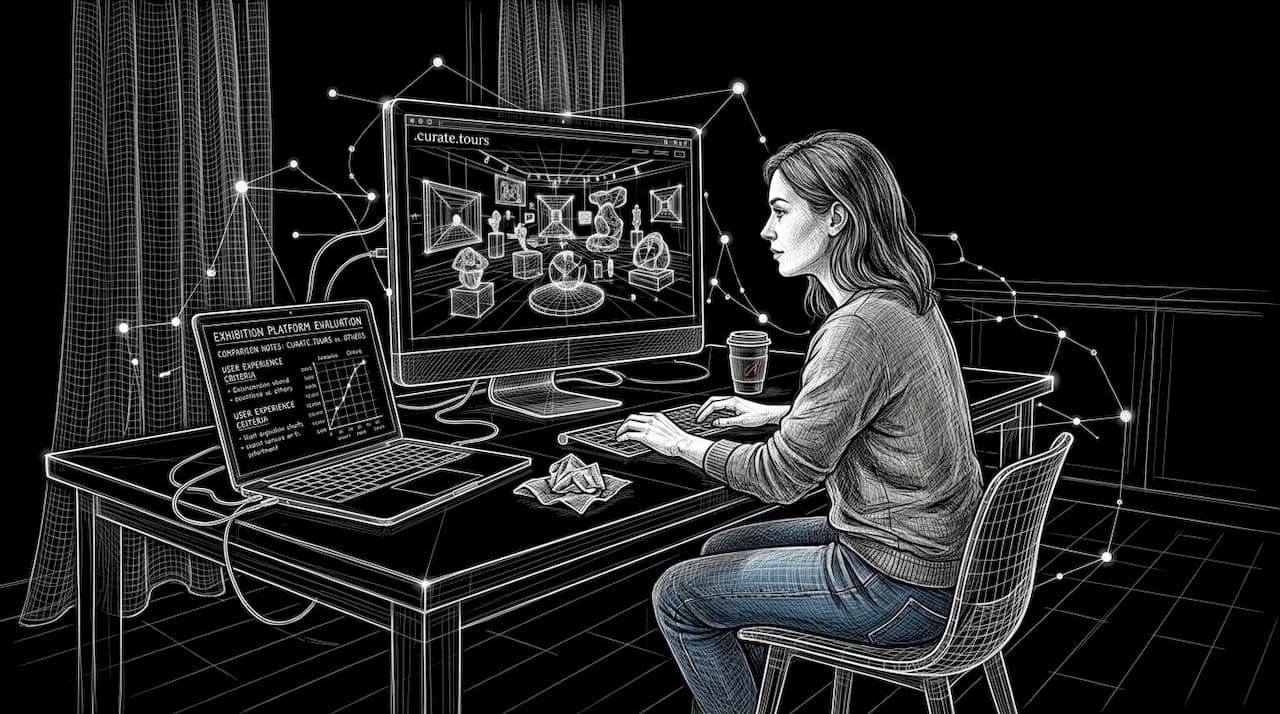
Virtual art exhibitions demand strategic platform choices and design decisions that directly impact viewer engagement and immersion. Artists and curators face mounting pressure to deliver compelling digital experiences whilst navigating technical specifications, navigation design, and hybrid format options. This article outlines proven best practices for selecting platforms, designing immersive environments, meeting technical requirements, and comparing display formats to help you create virtual exhibitions that captivate global audiences and maximise visitor satisfaction.
Table of Contents
- Key Takeaways
- Establish clear criteria for selecting virtual art display platforms
- Design immersive experiences with non-linear navigation and tailored environments
- Meet technical specifications to optimise comfort and immersion
- Compare immersive virtual, physical, and hybrid art display formats
- Enhance your virtual exhibitions with curate.tours
- FAQ
Key Takeaways
| Point | Details |
|---|---|
| Platform selection criteria | Establish clear criteria across immersion, accessibility and scalability to choose platforms that meet audience needs. |
| Non linear navigation | Design multiple entry points and themed portals to let visitors choose their own path. |
| Immersive features | Select platforms with motion to photon latency under 20 milliseconds and six degrees of freedom tracking. |
| Tailored environments | Create environmental variations that match artwork requirements to deepen immersion from dark galleries for sound art to bright rooms for large canvases. |
Establish clear criteria for selecting virtual art display platforms
Selecting the right platform for your virtual exhibition requires evaluating multiple dimensions that directly affect viewer experience and engagement outcomes. Immersion capabilities form the foundation, with VR and AR technologies offering motion tracking and spatial audio creating presence that flat screens cannot match. Platforms optimised for immersion should support head tracking, hand controllers, and environmental audio to transport visitors into your curated space.
Interactivity features separate passive viewing from active participation. Look for platforms enabling live chat between visitors and curators, real-time Q&A sessions during guided tours, audience polls to gather feedback, and gamified elements like scavenger hunts or achievement badges. These features transform solitary browsing into social experiences that keep visitors engaged longer and encourage return visits.
Technical specifications directly impact viewer comfort and satisfaction. Prioritise platforms offering 90-120 Hz refresh rates to eliminate flicker, motion-to-photon latency under 20 milliseconds to prevent nausea, and six degrees of freedom tracking for natural movement. Audio-visual synchronisation within plus or minus 20 milliseconds maintains immersion without jarring disconnects between what viewers see and hear.
Accessibility and scalability considerations ensure your exhibition reaches diverse audiences. Evaluate whether platforms support multiple devices from high-end VR headsets to standard web browsers, offer adjustable comfort settings for users with motion sensitivity, provide multilingual interfaces, and scale to accommodate peak visitor loads without performance degradation. Platforms supporting 3D virtual exhibitions with browser-based access remove technical barriers that limit audience reach.
Design immersive experiences with non-linear navigation and tailored environments
Non-linear navigation fundamentally changes how visitors experience virtual exhibitions by granting them agency over their journey. Traditional museum visits follow predetermined paths, but virtual exhibitions with multiple entry points allow visitors to begin with artworks matching their interests or knowledge level. A contemporary art enthusiast might dive directly into experimental installations, whilst a casual visitor explores introductory galleries first.
Multiple entry points serve diverse visitor preferences and learning styles. Create thematic portals organised by medium, chronology, artist, or concept so visitors choose their own adventure. Design optional depth layers where curious viewers access scholarly essays, artist interviews, or conservation details without overwhelming those seeking purely aesthetic experiences. This layered approach balances entertainment with education, accommodating both casual browsers and serious researchers.
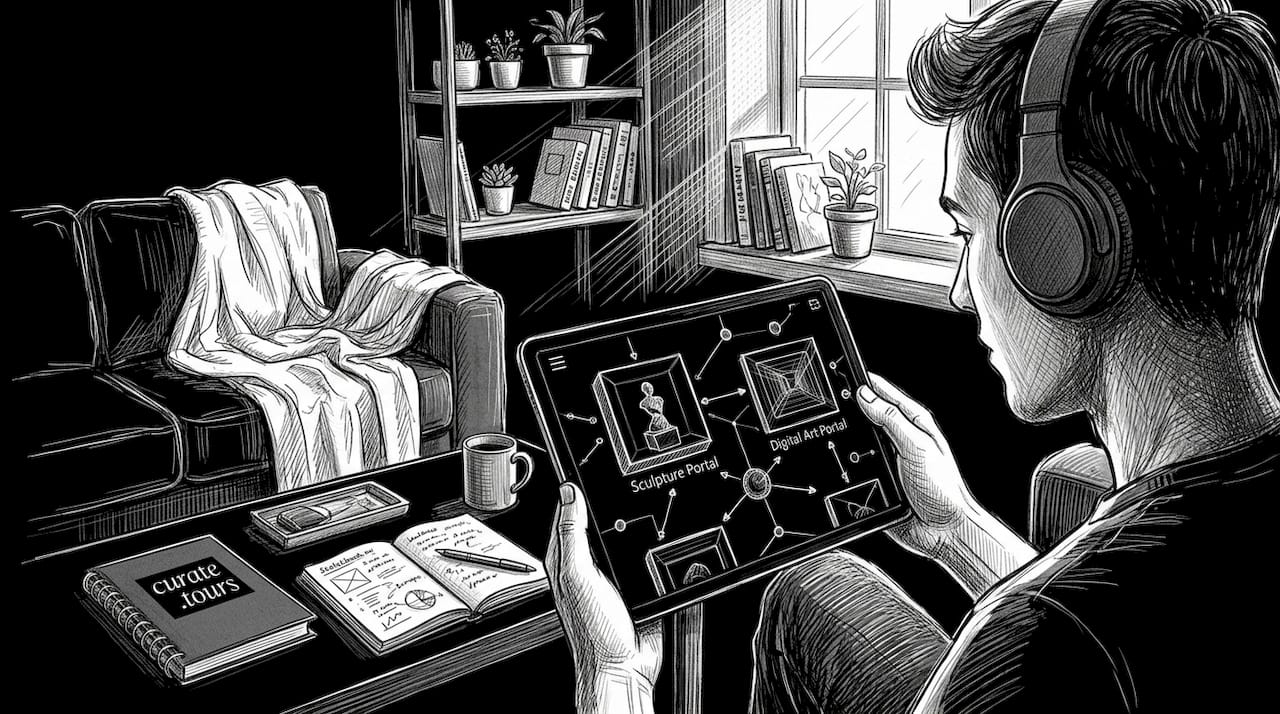
Environmental tailoring deepens immersion by matching virtual spaces to artwork requirements. Sound art installations benefit from darkened galleries that focus attention on audio elements, whilst large-scale paintings deserve well-lit rooms with neutral backgrounds. Sculpture gardens work best in outdoor virtual environments with natural lighting and spatial freedom for 360-degree viewing. Context-sensitive environments signal to visitors how to engage with each artwork appropriately.
Pro Tip: Design your navigation system with clear wayfinding cues like illuminated pathways, minimap overlays, or ambient audio beacons that guide visitors without restricting their autonomy. Test navigation with first-time users to identify confusing junctions or dead ends before launch.
Meet technical specifications to optimise comfort and immersion
Technical specifications make the difference between comfortable, extended viewing sessions and abbreviated visits cut short by discomfort. Refresh rate determines how smoothly motion appears, with 90-120 Hz standards eliminating the flicker and judder that cause eyestrain and headaches. Lower refresh rates create visible stuttering during head movements, breaking immersion and triggering motion sickness in sensitive users.
Motion-to-photon latency measures the delay between physical movement and corresponding visual update. Keeping latency under 20 milliseconds ensures head turns and body movements translate instantly to screen updates, maintaining the illusion of presence in virtual space. Latency above this threshold creates a swimming sensation where the visual world lags behind physical motion, rapidly inducing nausea in most users.
Audio-visual synchronisation requires matching sound to visual events within plus or minus 20 milliseconds. When footsteps, door openings, or ambient sounds drift out of sync with corresponding visuals, the brain detects the mismatch and flags the experience as artificial. Precise synchronisation maintains immersion by matching real-world expectations where sounds and sights occur simultaneously.
Six degrees of freedom tracking enables natural movement through virtual space. Unlike three degree systems that only track head rotation, 6DoF systems monitor position changes as visitors lean forward to examine details, step sideways to view sculptures from new angles, or crouch to inspect floor-mounted installations. This freedom matches physical museum behaviour and prevents the constrained feeling that breaks immersion.
Approximately 25-40% of first-time VR users experience mild discomfort that typically resolves with acclimation over 2-3 sessions.
Pro Tip: Implement comfort settings that let visitors adjust movement speed, enable teleportation instead of smooth locomotion, and provide rest areas with static environments where they can pause without missing content. These options accommodate varying tolerance levels without compromising the experience for comfortable users.
Compare immersive virtual, physical, and hybrid art display formats
Format selection significantly impacts engagement metrics, cognitive outcomes, and visitor satisfaction. Immersive virtual exhibitions increase dwell time by 30-100% compared to traditional websites, with visitors spending longer exploring 3D environments than scrolling through image galleries. The novelty and interactivity of VR environments encourage extended engagement, particularly for younger audiences accustomed to gaming interfaces.
Physical museum experiences deliver superior cognitive understanding and learning outcomes. Studies consistently show visitors retain more information and develop deeper appreciation when viewing original artworks in person. Physical presence enables examination of brushwork texture, paint layering, and scale relationships impossible to convey digitally. The ritual of museum visits, social context of shared viewing, and absence of digital distractions contribute to focused attention and meaningful contemplation.
Hybrid exhibitions combining physical displays with AR overlays achieve the highest engagement by anchoring digital enhancements to physical objects. Visitors point smartphones or tablets at artworks to reveal artist commentary, conservation X-rays, historical context, or animated demonstrations of technique. This contextual anchoring creates stronger aesthetic and emotional responses than either format alone, with the physical artwork providing authenticity whilst digital layers add educational depth.
| Format | Engagement | Cognitive learning | Visitor satisfaction | Accessibility |
|---|---|---|---|---|
| Immersive virtual | 30-100% longer dwell time | Moderate retention | High for tech-savvy audiences | Global, 24/7 access |
| Physical museum | Standard baseline | Superior understanding | High for art enthusiasts | Limited by location, hours |
| Hybrid AR-enhanced | Highest interaction rates | Enhanced contextual learning | Highest across demographics | Requires physical visit |
| Replica VR | Matches physical immersion | Good for spatial understanding | Comparable to physical | Global access to remote collections |
Replica VR environments that digitally reconstruct physical galleries match the immersion and satisfaction of in-person visits whilst enabling global access to geographically distant collections. High-fidelity 3D scans preserve spatial relationships and scale, allowing virtual visitors to experience room layouts and artwork positioning as curators intended. This format democratises access to major collections without compromising the curated experience.
Enhance your virtual exhibitions with curate.tours
Implementing these best practices requires a platform designed specifically for immersive exhibition creation without technical barriers. Curate.tours enables artists, curators, and galleries to design, publish, and manage 3D virtual exhibitions directly in web browsers, eliminating software installation and technical setup that discourage experimentation. The platform supports non-linear navigation with customisable entry points, interactive elements including embedded video and audio, and analytics tracking visitor behaviour to optimise future exhibitions.
Whether you're launching your first virtual exhibition or enhancing existing digital strategies, curate.tours provides the tools to implement motion tracking, layered content, and hybrid integration discussed throughout this article. Run pilot deployments to test engagement metrics, gather visitor feedback through built-in surveys, and iterate designs based on real usage data. The platform scales from solo artist showcases to major gallery retrospectives, supporting your growth as virtual exhibition demands evolve.
FAQ
What platforms best support immersive virtual art displays?
Platforms optimised for VR and AR with motion tracking, live chat, polls, and gamified elements deliver the strongest engagement outcomes. Look for solutions offering 90-120 Hz refresh rates, under 20 milliseconds latency, and six degrees of freedom tracking to ensure visitor comfort. Browser-based platforms expand accessibility by supporting standard devices alongside dedicated VR headsets.
How can I design navigation to enhance visitor engagement?
Implement non-linear navigation with multiple thematic entry points that let visitors choose their exploration path based on interest or expertise. Create optional depth layers where curious viewers access detailed scholarly content without overwhelming casual browsers. Use clear wayfinding cues like illuminated pathways and minimaps to guide exploration without restricting autonomy.
What technical specs minimise motion sickness in VR exhibitions?
Maintain 90-120 Hz refresh rates to eliminate flicker, keep motion-to-photon latency under 20 milliseconds, and ensure audio-visual synchronisation within plus or minus 20 milliseconds. Implement six degrees of freedom tracking for natural movement and provide comfort options like adjustable movement speed and teleportation alternatives. Approximately 25-40% of first-time users experience mild discomfort that resolves with brief acclimation.
What are the benefits of hybrid physical-virtual exhibitions?
Hybrid exhibitions combining physical artworks with AR overlays achieve the highest engagement by anchoring digital enhancements to tangible objects. Visitors gain the authenticity and presence of physical viewing whilst accessing contextual information, artist commentary, and conservation insights through digital layers. This format creates stronger aesthetic and emotional responses than either approach alone.
How much should I budget for immersive virtual art displays?
Starter VR setups typically range from £30,000 to £80,000 for approximately 10 headsets, mounting systems, and basic technical support. Plan staffing ratios of one facilitator per 8-12 visitors to provide technical assistance and answer questions. Browser-based virtual exhibitions offer lower entry costs by eliminating hardware requirements, with platform subscriptions starting around £50-200 monthly depending on features and visitor capacity.